How to Use QR Codes for RSVPs the Right Way
Published on: June 10, 2026
Paper reply cards are dead. QR code RSVPs are faster, trackable, and give you real data — but only if you set them up correctly. Here's everything you need to know.
Why QR Codes for RSVPs Make Sense in 2026
If you're still mailing physical RSVP cards or asking guests to type out a long URL, you're leaving response rates on the table. A well-placed QR code can cut your time-to-response from days to seconds.
Event planners who switch to QR-based RSVPs consistently report two things: higher response rates and more accurate headcounts. The reason is friction. When replying takes one scan, people do it immediately — instead of setting the card aside and forgetting.
QR code scans in event and marketing contexts have grown significantly year over year, driven by mobile-first behavior. Guests now expect digital-first invitations.
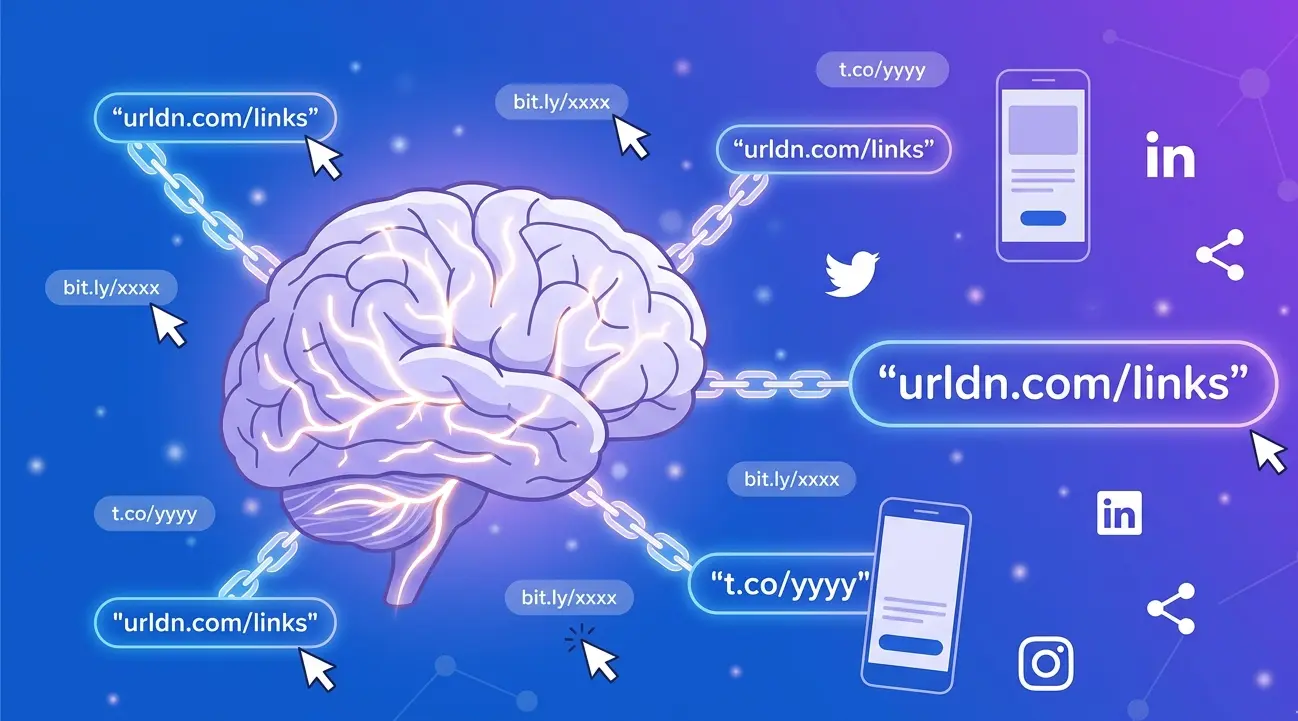
But there's a right way and a wrong way to do this. A raw QR code linking to a generic Google Form is not the same as a tracked, branded short link with analytics. That difference is what separates amateur event planning from professional execution.
If you're creating an event invitation from scratch, it's also worth reading our guide on creating and using evite QR codes — it covers the foundation before you start layering on RSVP logic.
The 5 Most Common QR RSVP Mistakes
Before we walk through the setup, let's kill the bad habits. Most failed QR RSVP campaigns come down to one of these five errors.
- Linking directly to a raw, untracked URL. You have no idea how many people scanned. You can't retarget non-responders. You're flying blind.
- Using a static QR code you can't edit. If your RSVP form URL changes, your printed invitations are useless. Always use a dynamic QR code backed by a short link you control.
- No mobile optimization on the landing page. 90%+ of QR scans happen on mobile. If your RSVP form isn't touch-friendly, expect drop-offs.
- Printing the QR code too small. Codes under 2 cm × 2 cm struggle to scan reliably, especially on textured paper stock.
- No fallback URL visible. Always print a short URL alongside the QR code. Some guests — especially older attendees — won't scan.
If you generate a static QR code and your RSVP form link ever changes, every printed invitation becomes a broken dead end. Always back your QR code with a dynamic short link you can update anytime.
Step-by-Step: Setting Up Your QR RSVP
Here's the exact workflow for a QR RSVP that's trackable, editable, and professional.
Build your RSVP form
Use Google Forms, Tally, Typeform, or a custom page. Collect at minimum: name, attendance confirmation, and dietary restrictions or plus-one count if relevant. Keep it under 5 fields — every extra field hurts completion rates.
Shorten and brand the URL
Paste your form URL into URLdn and create a custom short link — something like
urldn.com/rsvp-wedding-2026. This is what your QR code will point to, and it's the link
you'll print as a fallback.
Generate the QR code from your short link
Generate the QR code directly from URLdn so it's tied to your tracked link — not the raw destination URL. This keeps analytics unified and lets you swap destinations if needed.
Set minimum print size & test
Export your QR code as an SVG or high-res PNG. Minimum print size: 2.5 cm × 2.5 cm. Test scan with three different phones before sending anything to the printer.
Place the fallback URL below the code
Print your short link in readable text beneath the QR code. Example: "Or visit: urldn.com/rsvp-yourname". This is accessibility, not redundancy.
Monitor scans in real time
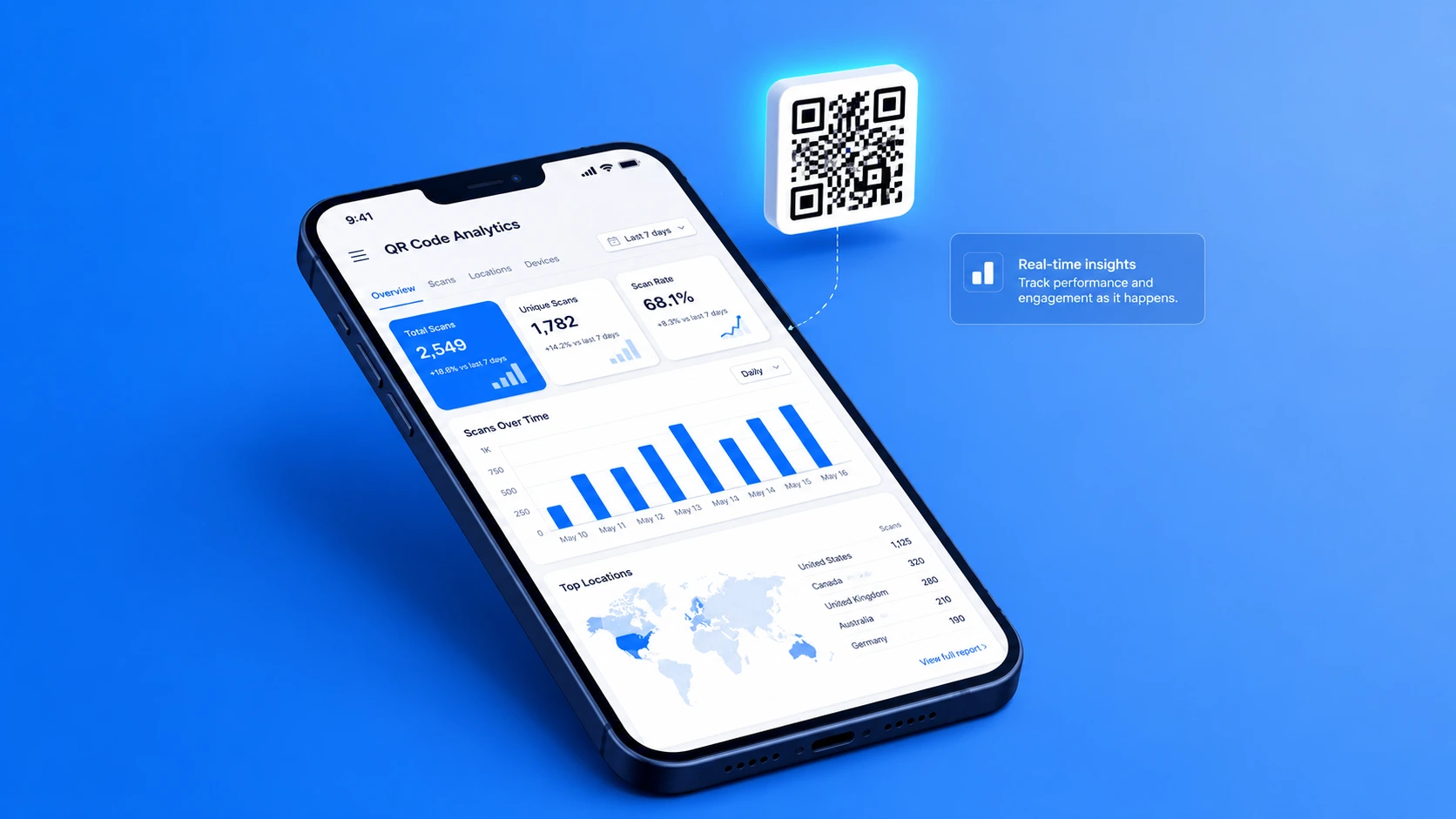
Open your URLdn dashboard after invitations go out. Track scan volume by day, device type, and location. Dips in response rate 5–7 days after sending are a signal to send a follow-up reminder.
Use Cases: Weddings, Corporate Events & More
QR RSVP isn't one-size-fits-all. The implementation varies slightly depending on your event type.
| Event Type | RSVP Form Priority | QR Placement | Key Metric |
|---|---|---|---|
| Wedding | Dietary needs, plus-one, song request | Printed invitation insert | Response rate by deadline |
| Corporate conference | Job title, session preferences, dietary | Email + printed badge/flyer | Scan-to-registration conversion |
| Birthday / social | Attendance + name only | Digital evite, WhatsApp, Instagram Story | Total confirmed attendees |
| Product launch / networking | Name, company, role | Event page, LinkedIn post, printed poster | Lead quality from registrations |
| Charity / gala | Ticket tier, table preference, donation intent | Physical mailing + email | Revenue per scan |
Weddings
For weddings, the QR code goes on a small insert card tucked into the physical invitation envelope. Keep the form short — guests are excited but they're not filling out a survey. Name, attendance (yes/no), plus-one name, and dietary restriction is the right ceiling. Link it back to your wedding website for venue details and accommodation info.
Ready to set up your QR RSVP?<
Create your first tracked short link and QR code in under 60 seconds — no account required to start.
Get Started NowCorporate and Conference Events
Corporate events benefit most from QR RSVPs because the data feeds directly into attendee management. Use UTM parameters on your short link to segment scan traffic by channel — email vs. LinkedIn vs. printed program. URLdn preserves UTM parameters through the redirect, so your analytics stay clean.
Social Events and Parties
Share the QR code as an image in WhatsApp groups, Instagram Stories, or in digital evites. For this use case, check out our full walkthrough on using evite QR codes — it goes deep on digital-first invitation workflows.
Tracking and Analytics — The Part Most People Skip
This is where most event planners leave serious value behind. Generating a QR code is step one. Using the data it produces is the whole point.
Scan-over-time graph
See exactly when guests are engaging — peak days after your send date reveal whether your follow-up timing is right.
Device breakdown
iOS vs. Android vs. desktop. Mostly mobile? Make sure your RSVP form is thumb-friendly.
Geographic data
For destination weddings or multi-city events, see where your respondents are scanning from.
Referrer tracking
Know whether scans came from printed invitations, email, or social — useful for future event budgeting.
Setting up a scan-to-response funnel
Your core metric is the ratio of QR scans to completed RSVP form submissions. If you're getting 200 scans but only 80 completions, your form is the bottleneck — too long, not mobile-optimized, or asking for information guests don't have on hand. Fix the form, not the QR code.
If you're sending invitations in waves (e.g., family first, then work friends, then extended contacts), create a separate URLdn short link for each batch. You'll see which group had the highest response rate — invaluable data for future events.
Best Practices for QR RSVP Design
The QR code itself needs design attention, not just the form behind it.
- Minimum size is 2.5 cm × 2.5 cm in print. Smaller codes scan poorly on textured or matte invitation stock.
- Contrast is non-negotiable. Dark code on light background, always. Avoid placing the code over patterns or photos — even slight interference can cause scan failures.
- Add a call-to-action above the code. "Scan to RSVP" or "Reply in 10 seconds" significantly increases scan rates. Don't assume people know what to do.
- Match the QR code style to your event brand. URLdn lets you customize QR code color and add a logo center — use it for weddings and upscale events where aesthetics matter.
- Test on three devices before printing. iPhone, Android, and an older device. If all three scan cleanly in under 2 seconds, you're good.
- Print a short URL below as fallback text. Critical for accessibility, and for guests who are QR-averse.
- Set an RSVP deadline in the invitation copy. QR codes don't create urgency — your wording does. "Please RSVP by [date]" improves response rates more than any design tweak.
Why URLdn Is Built for This
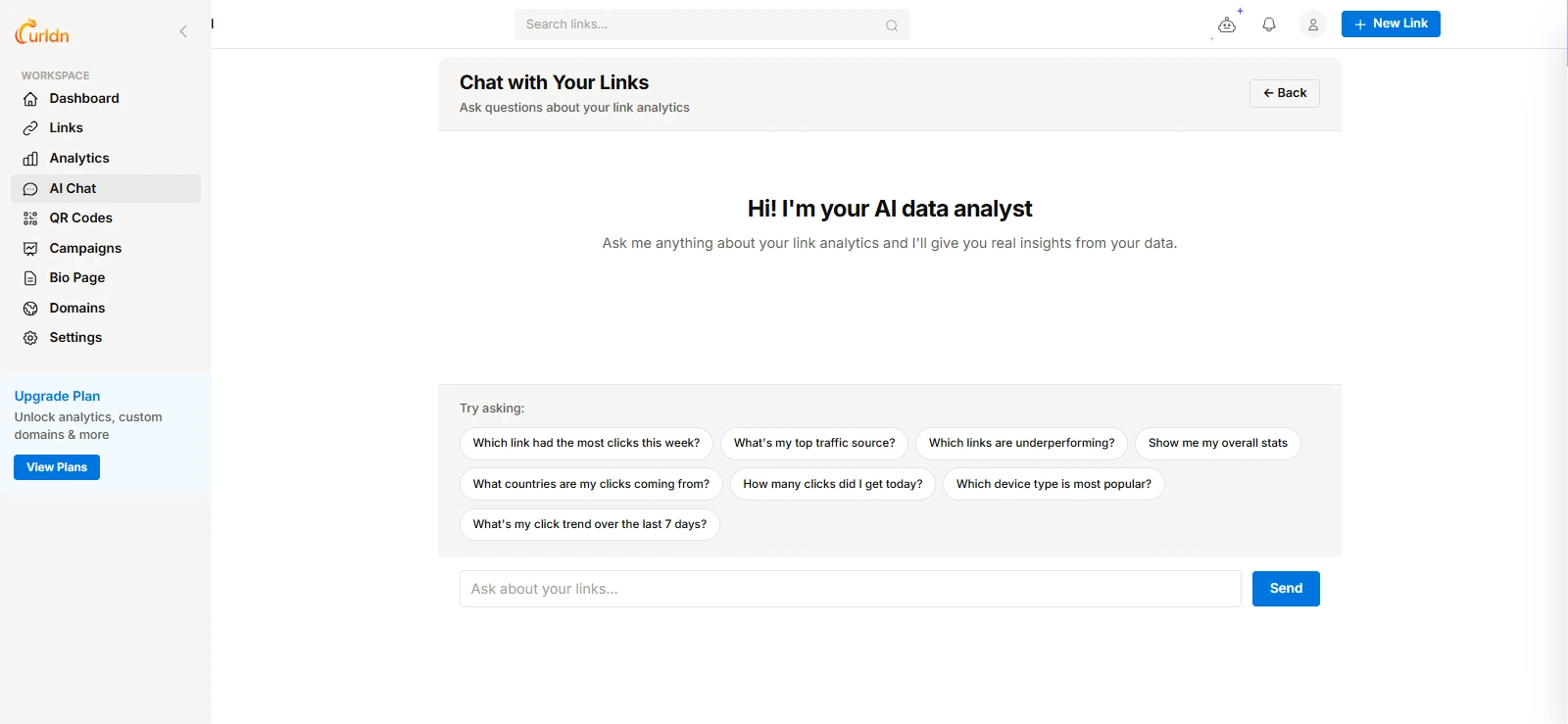
URLdn isn't just a URL shortener. It's a Link Intelligence Platform — meaning every short link and QR code you create comes with a built-in analytics layer that gives you real data on what's happening after the scan.
Dynamic QR codes
Change the destination anytime — even after your invitations are printed. No reprint needed.
Branded short links
Custom slugs like urldn.com/rsvp-sarah-tom that look clean in print and digital.
AI data analyst
Ask questions about your link performance in plain English and get instant answers from your real data.
Real-time dashboard
See scans as they happen — device type, location, time, and referrer all in one view.
For event organizers, URLdn turns a simple QR code into a live pulse on your guest list. You're not just collecting RSVPs — you're building intelligence about your audience that improves every future event you plan.
Ready to set up your QR RSVP?<
Create your first tracked short link and QR code in under 60 seconds — no account required to start.
Get Started NowThe Bottom Line
QR codes for RSVPs work — but only when you use them the right way. That means dynamic short links, real-time analytics, mobile-optimized forms, correct print sizing, and a fallback URL for every printed piece.
The event planners who do this well don't just get more responses. They get smarter about their guests, reduce no-shows through data-driven follow-ups, and build a playbook they can reuse for every future event.
Start with your short link. Build backward from there.